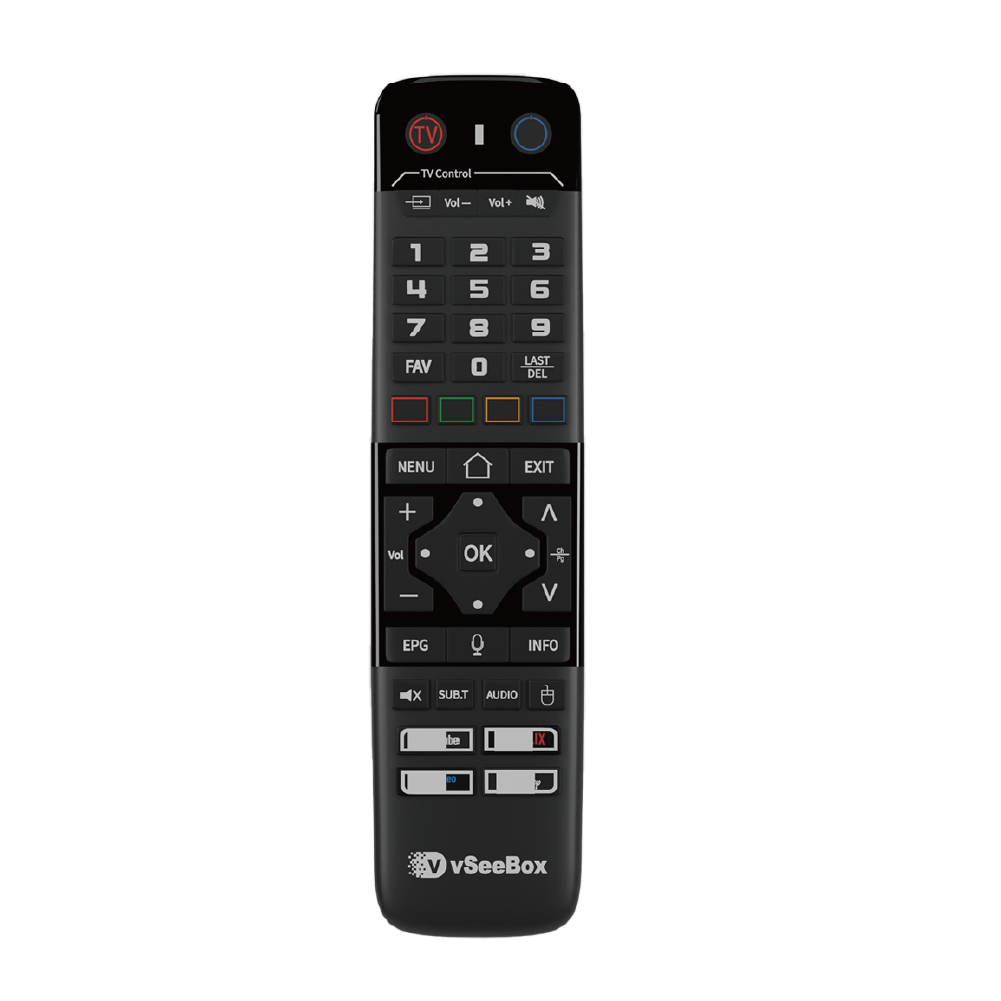
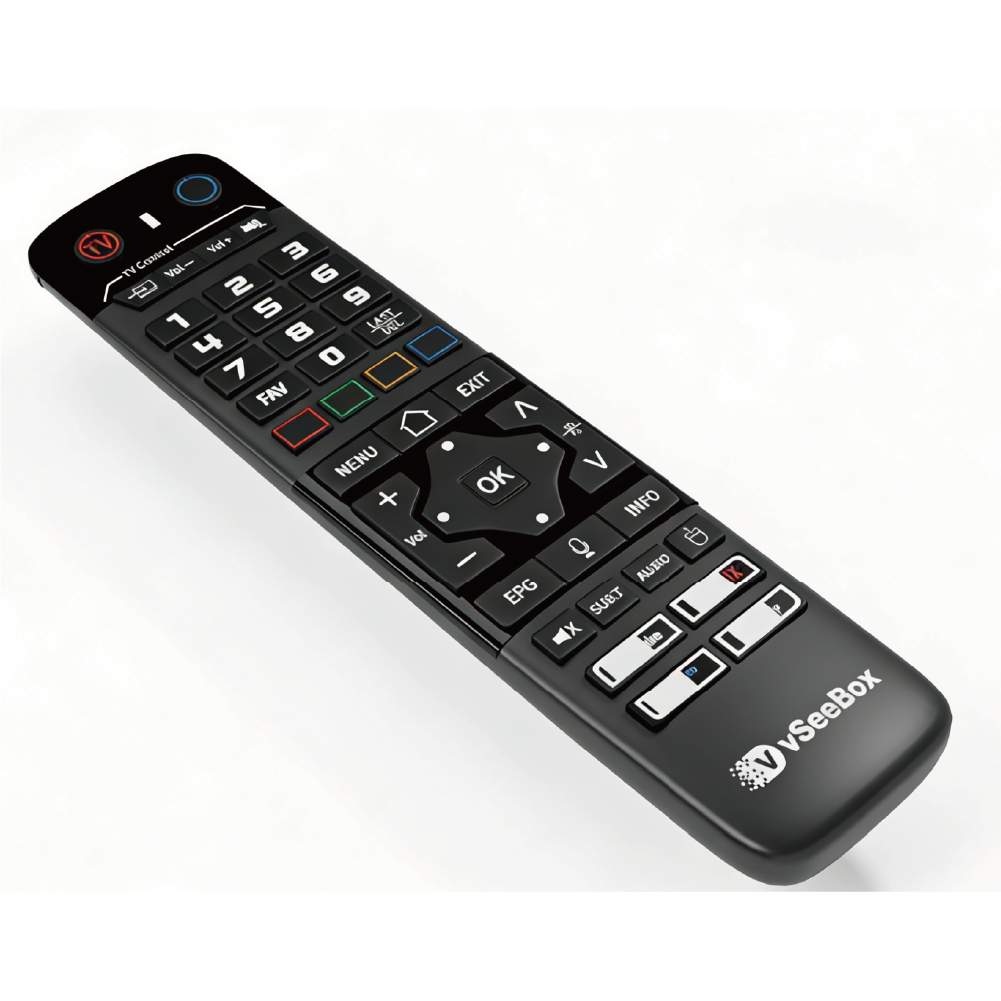
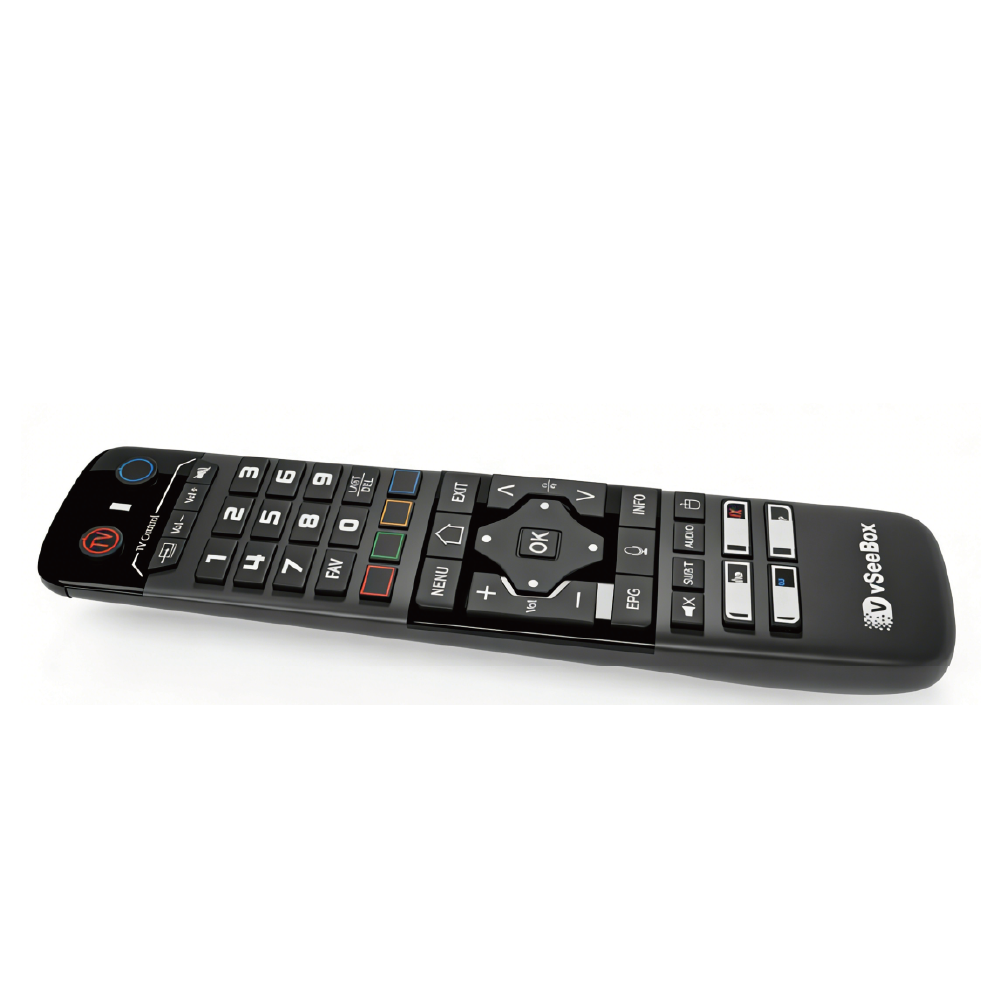
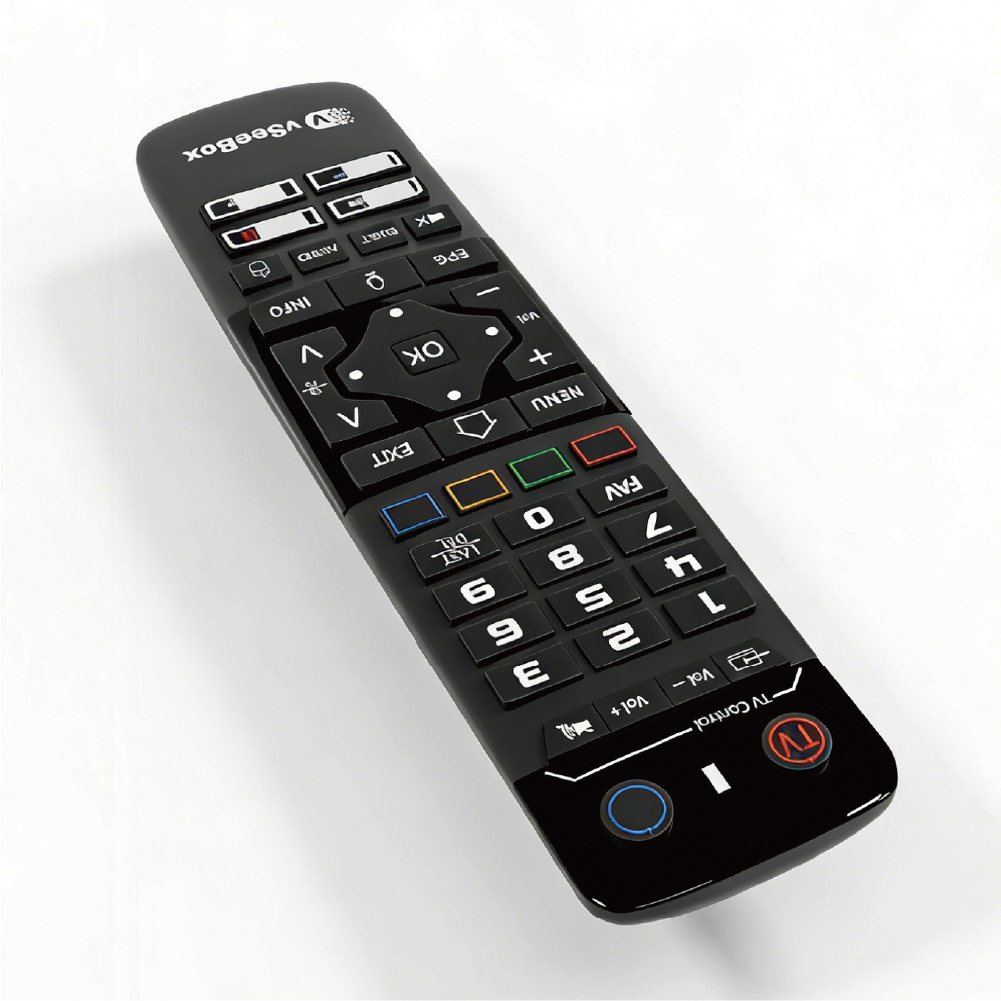
VSeeBox V6 max Remote Control Replacement Android TV Box Smart Bluetooth Voice Command Backlit
$36.99 USD
$39.99 USD
Quantity
How to program: 1.Press and hold [TV POWER] for 6 seconds. The LED goes from blinking to solid and STB RCU enters learning mode. 2.Press the key to be programmed on this RCU LED begins blinking slowly. The key is ready to accept programming 3.Aim the TV RCU towards the front of this RCU (distance less than 3 cm). Press the button on the TV RCU.If the STB RCU is programmed correctly, the LED will flash 3 times. 4. Repeat steps 1-3 for other keys. 5. Exit learning mode by pressing any other button on this RCU.LED turns off
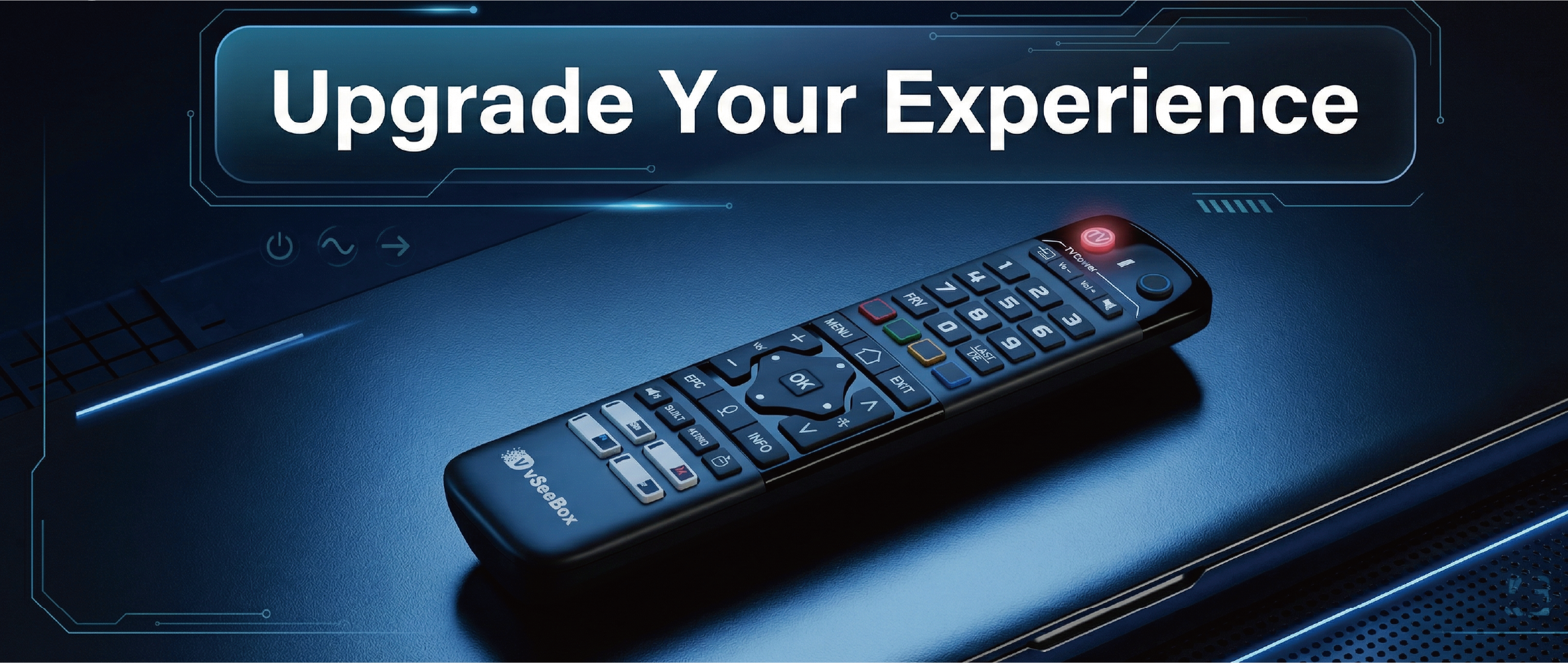
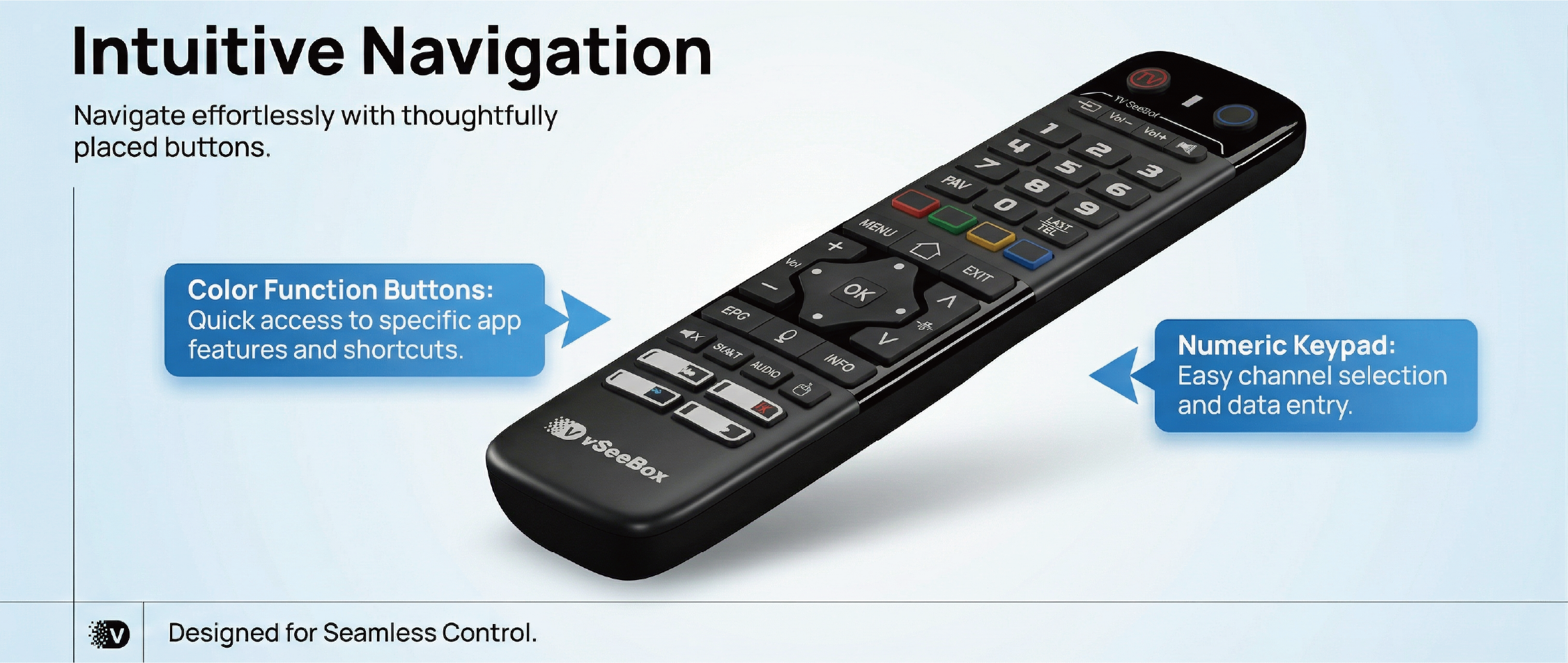
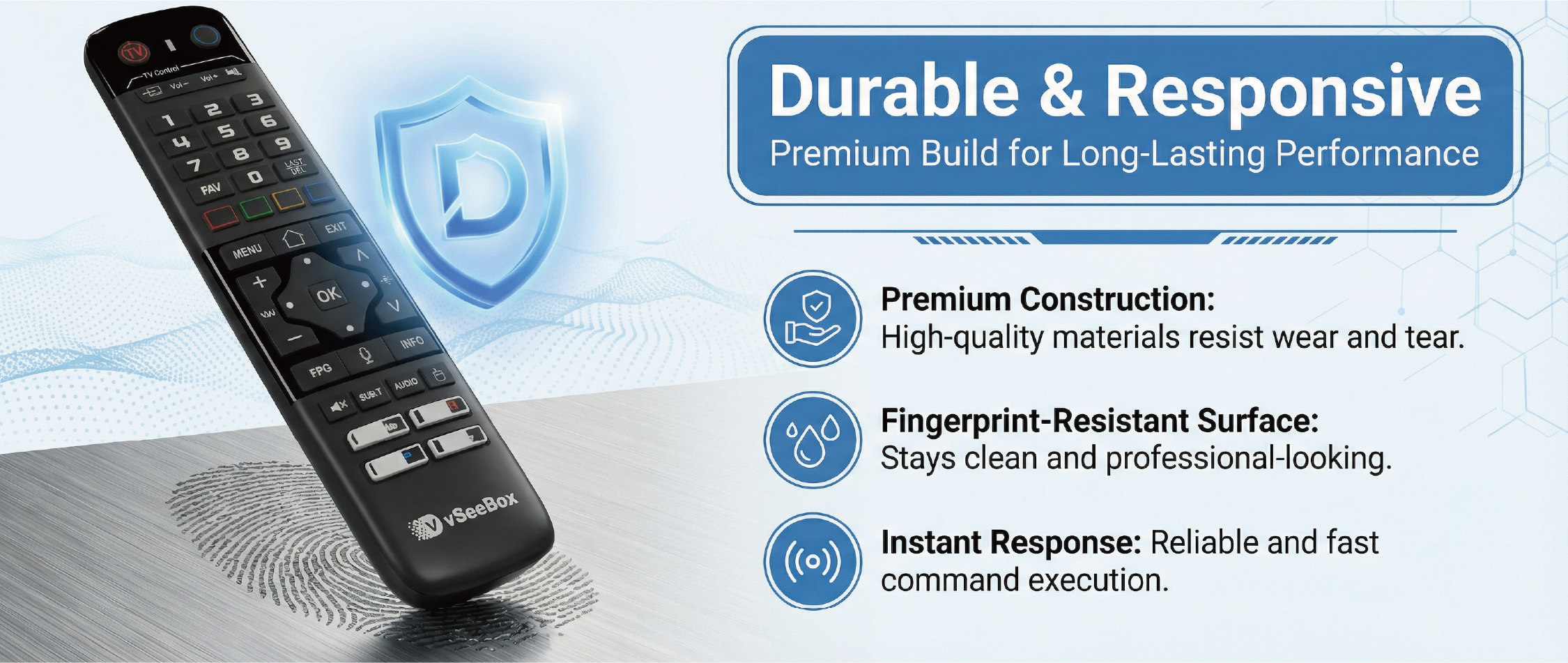
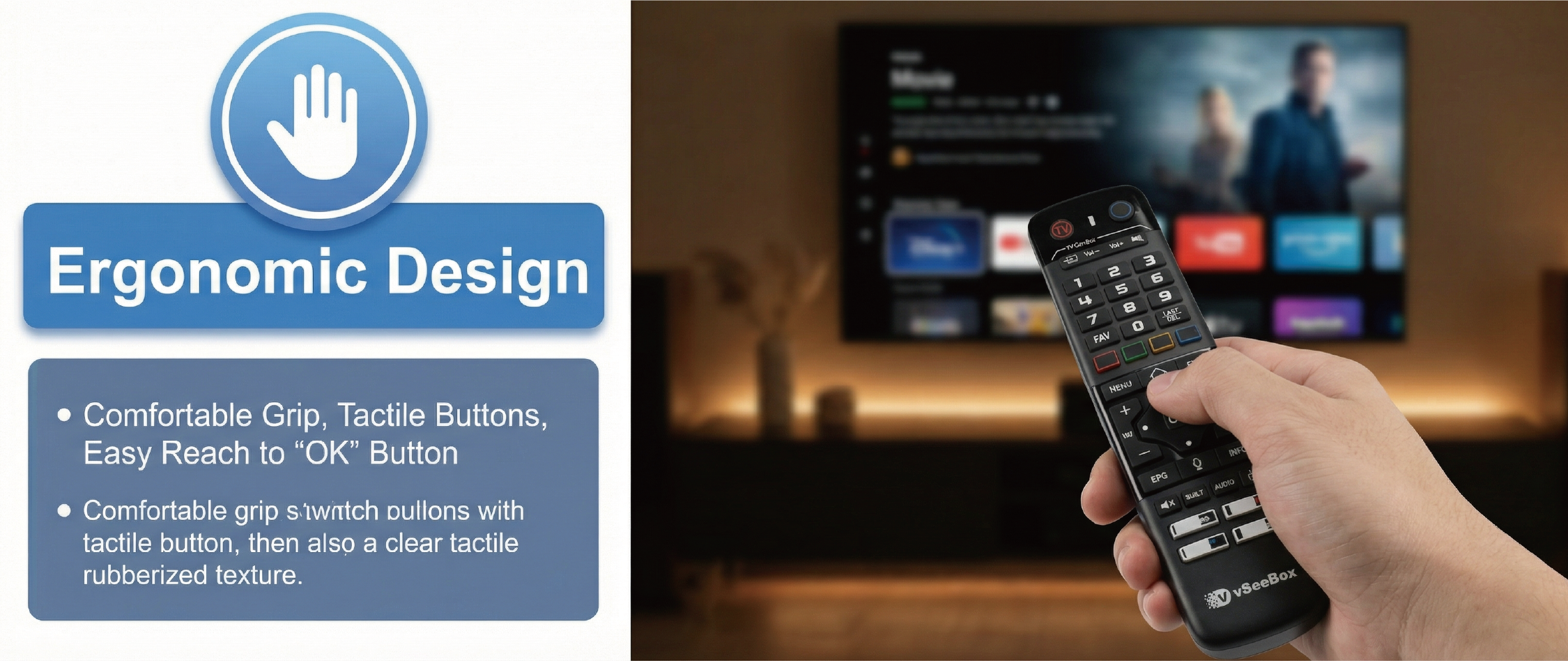
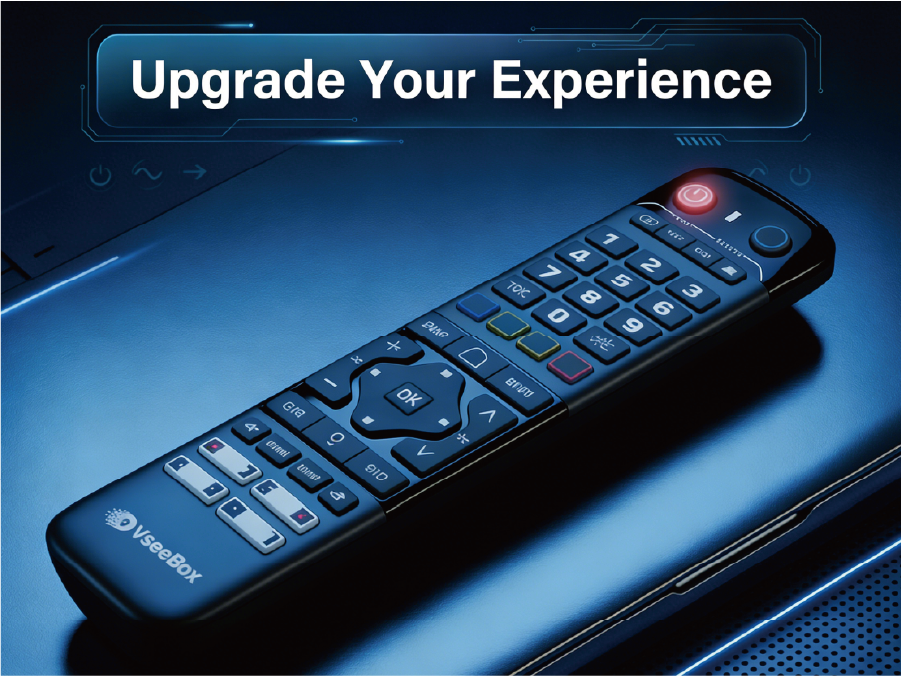
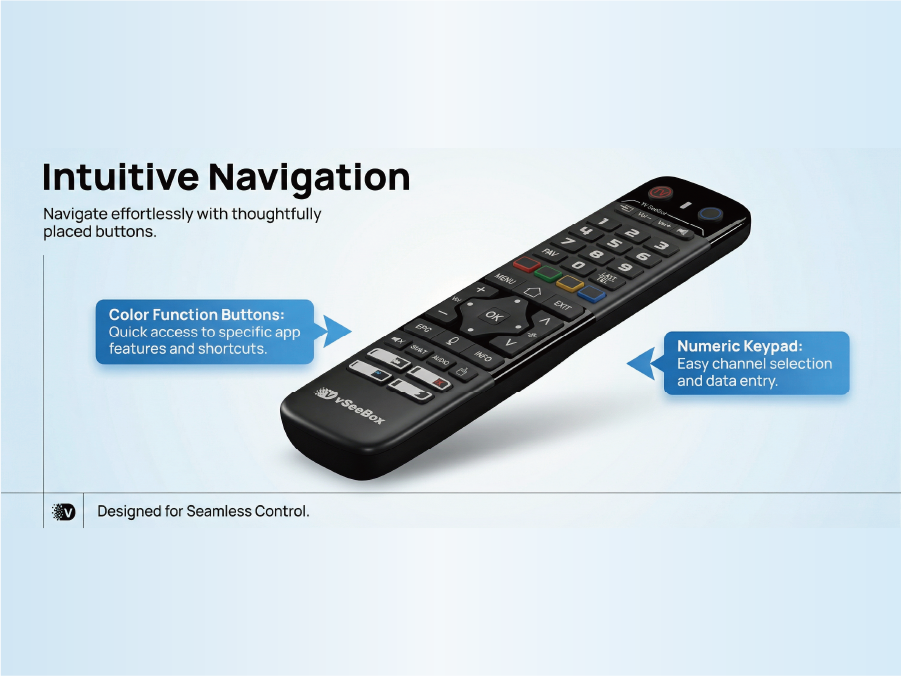
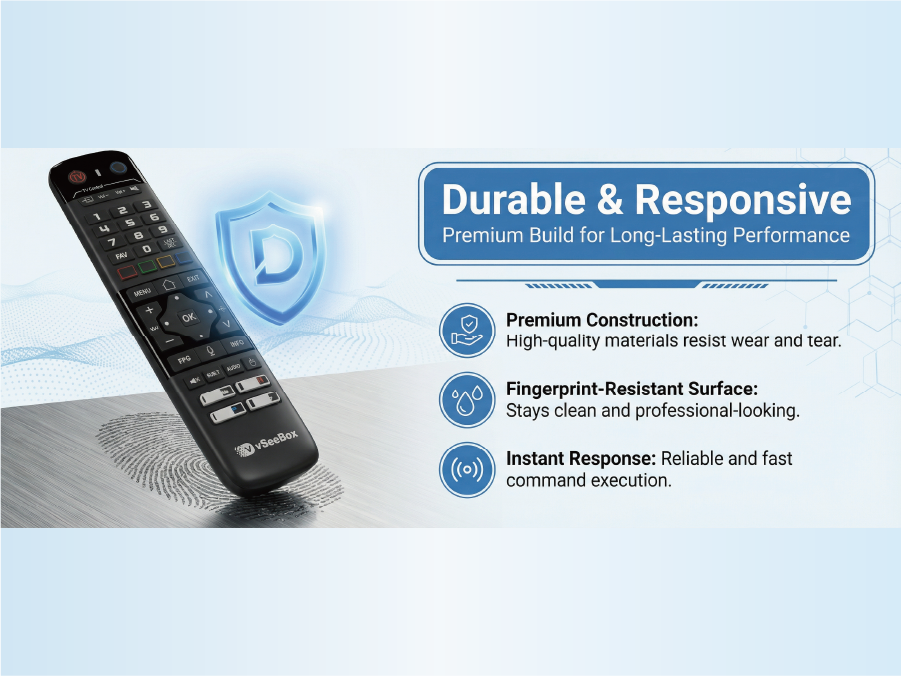
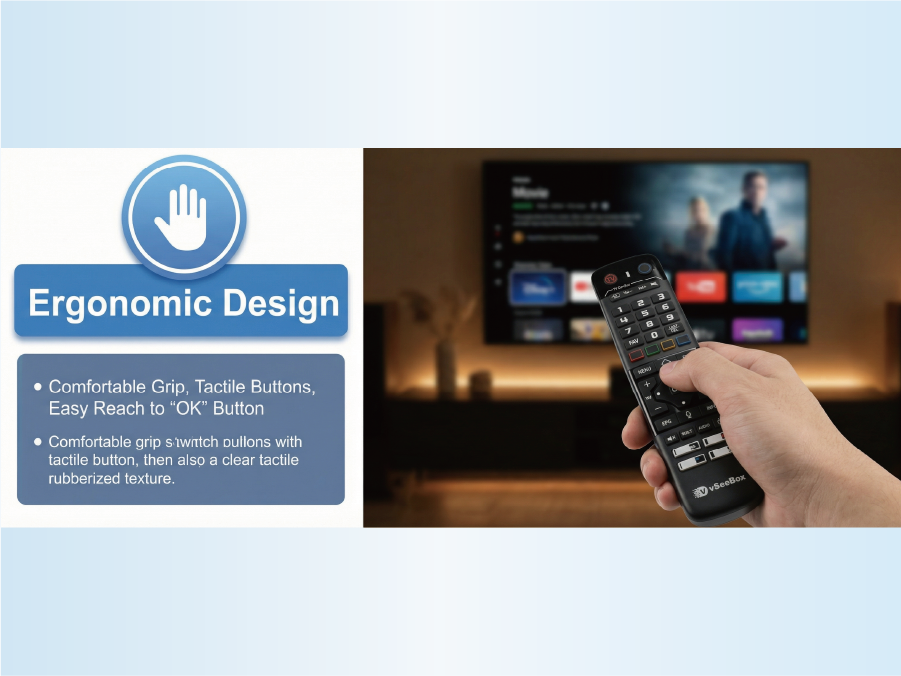
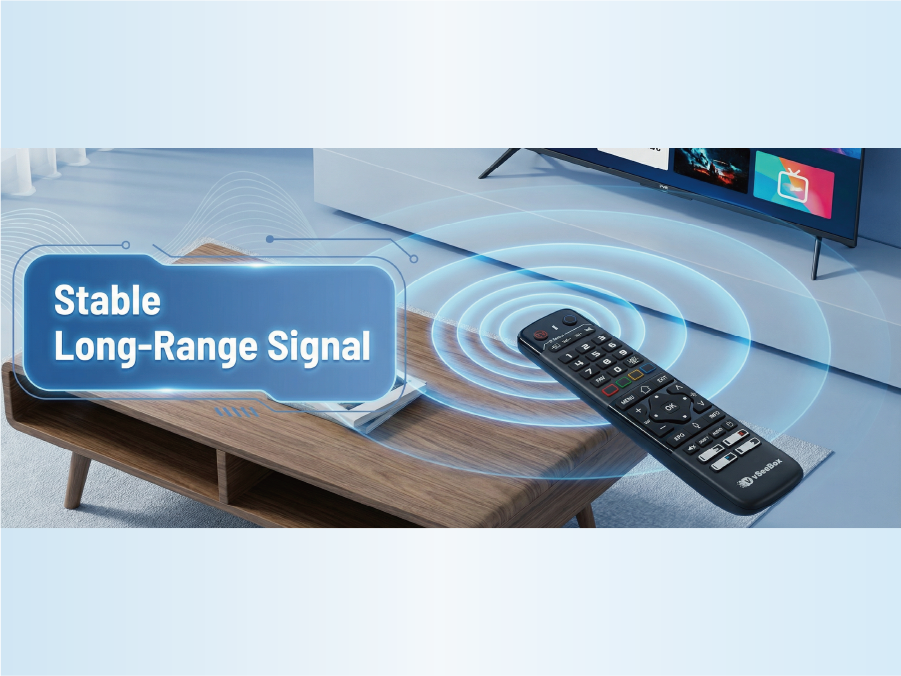
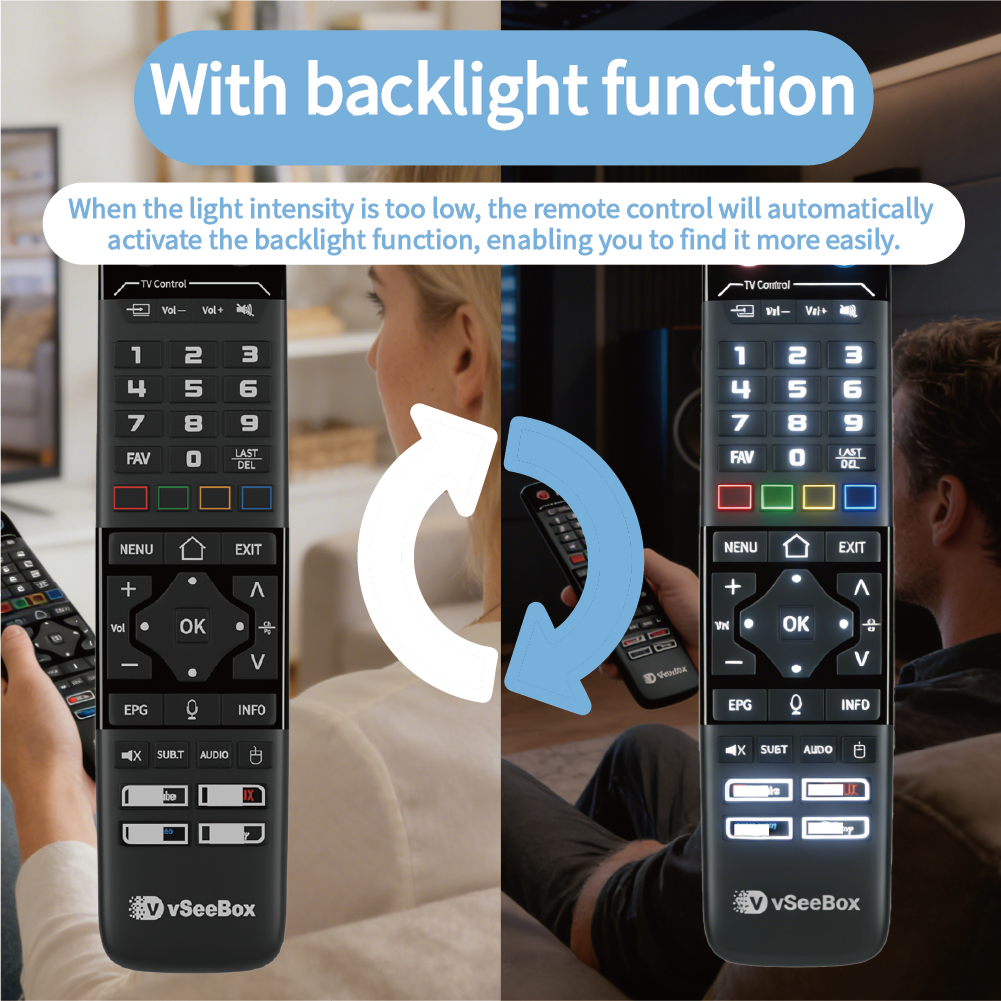
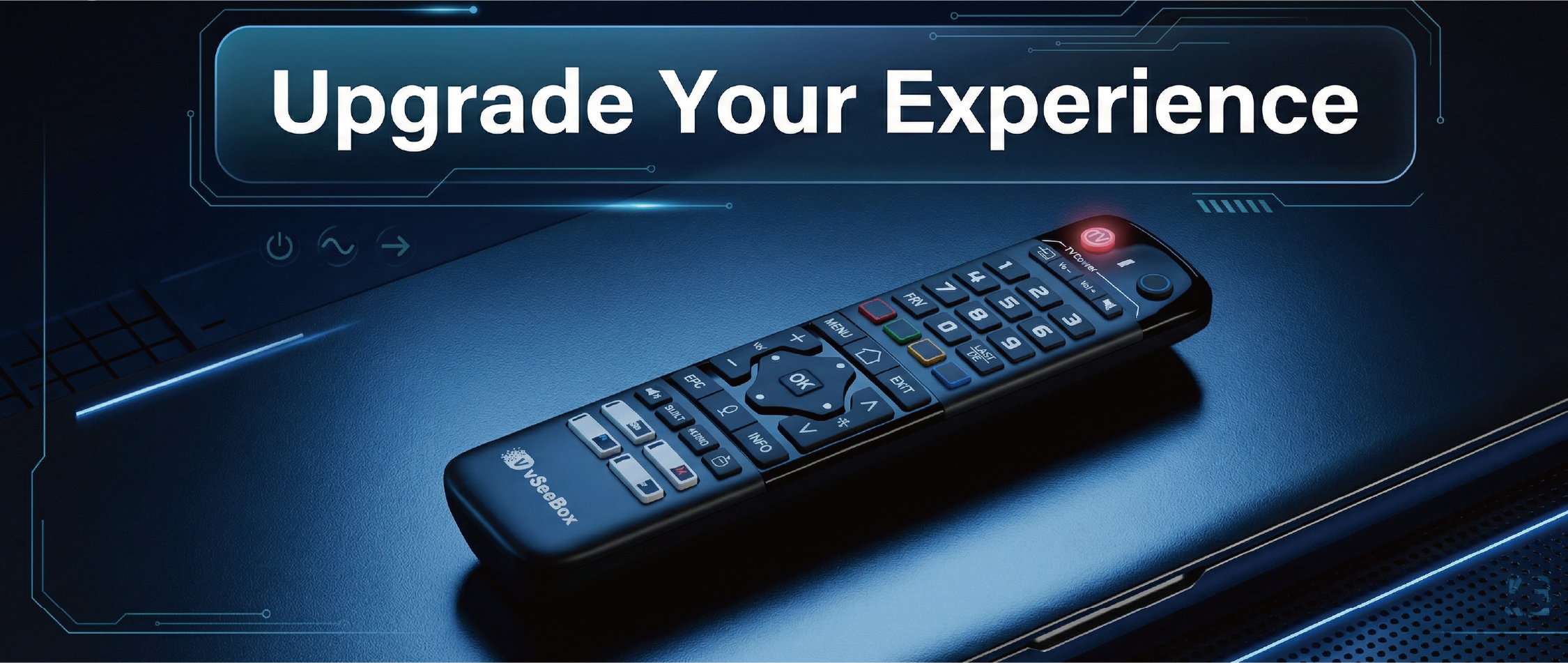
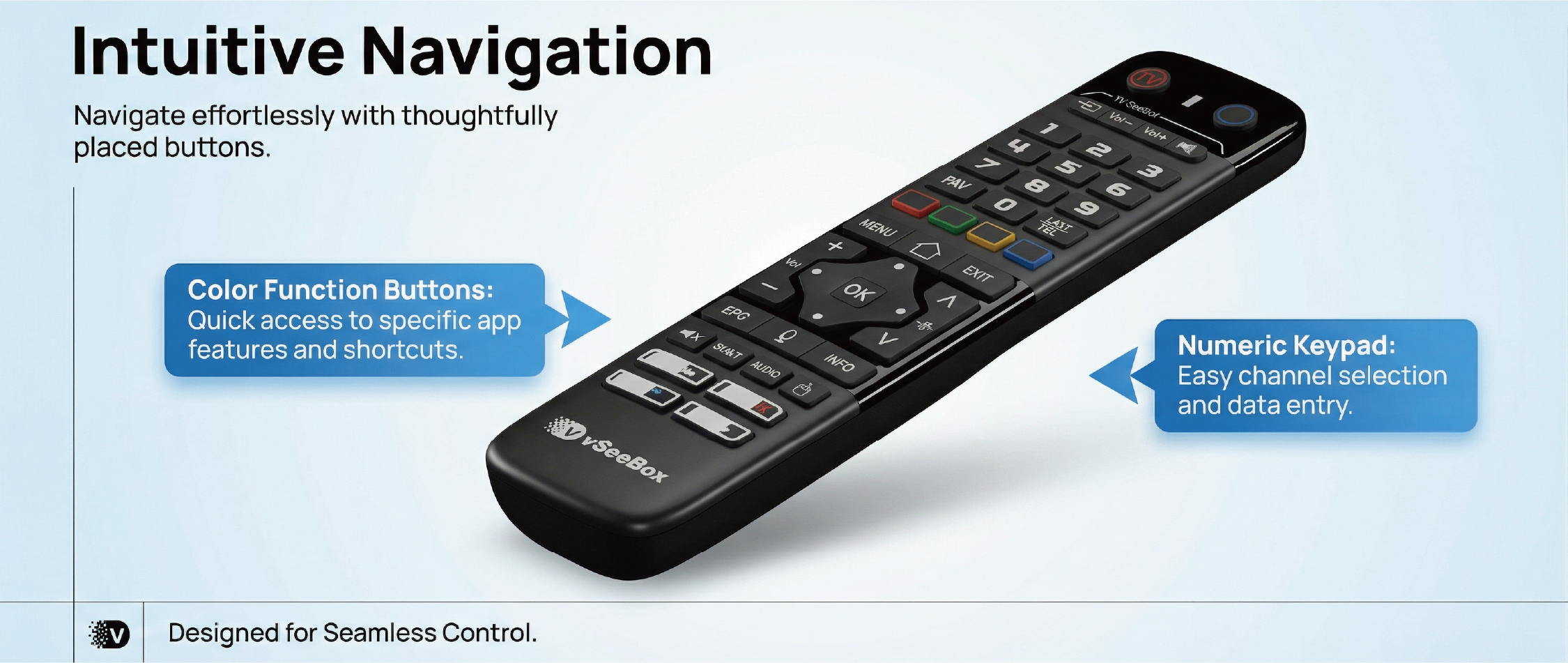
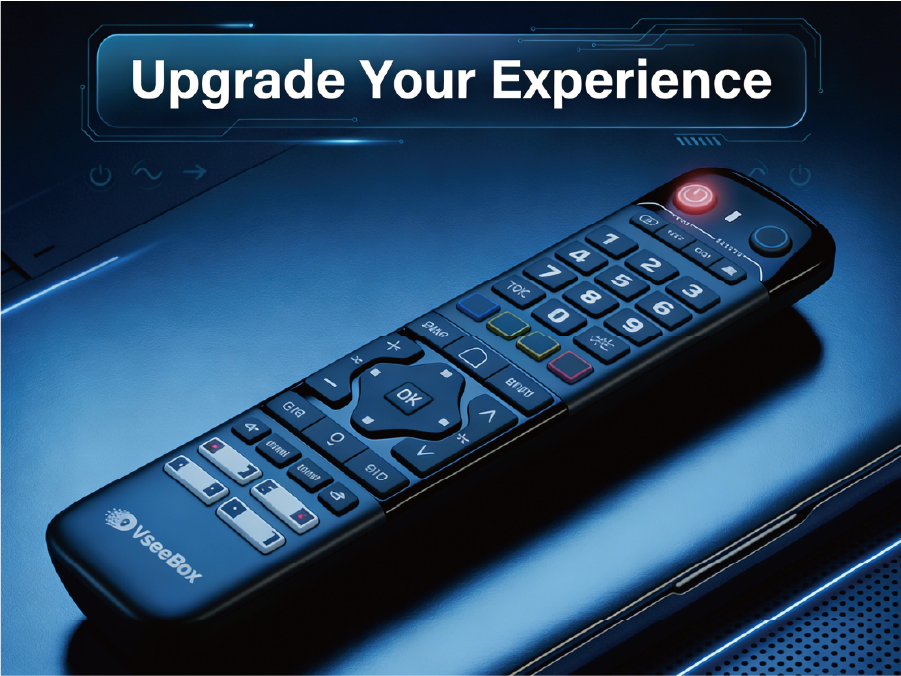
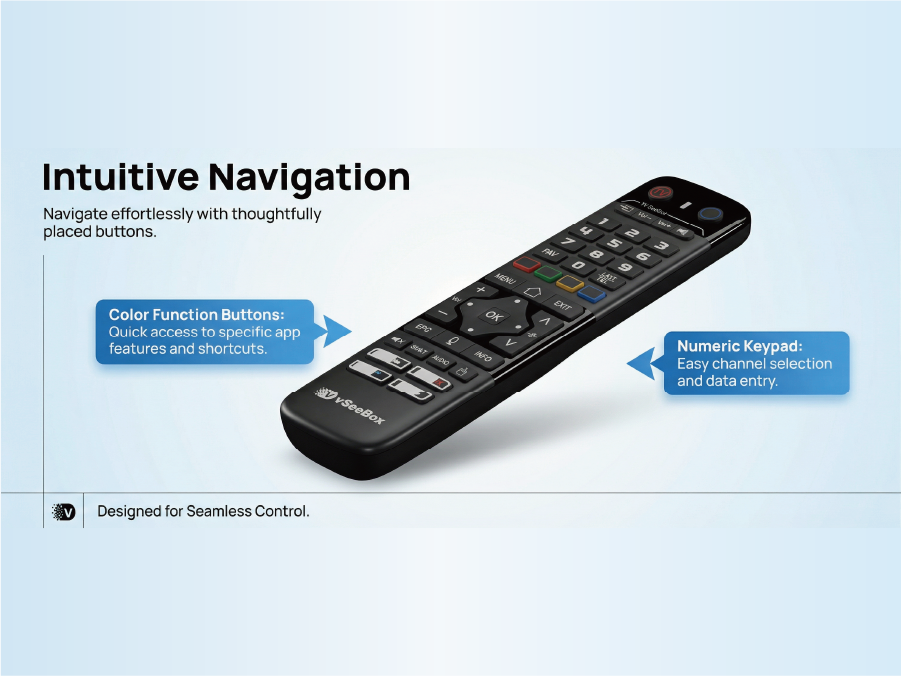
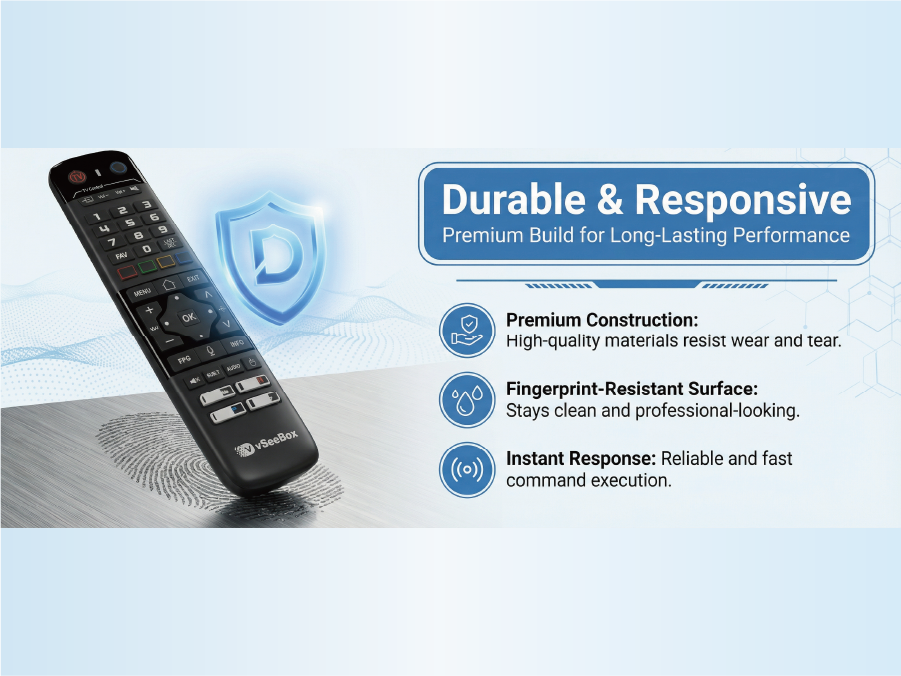
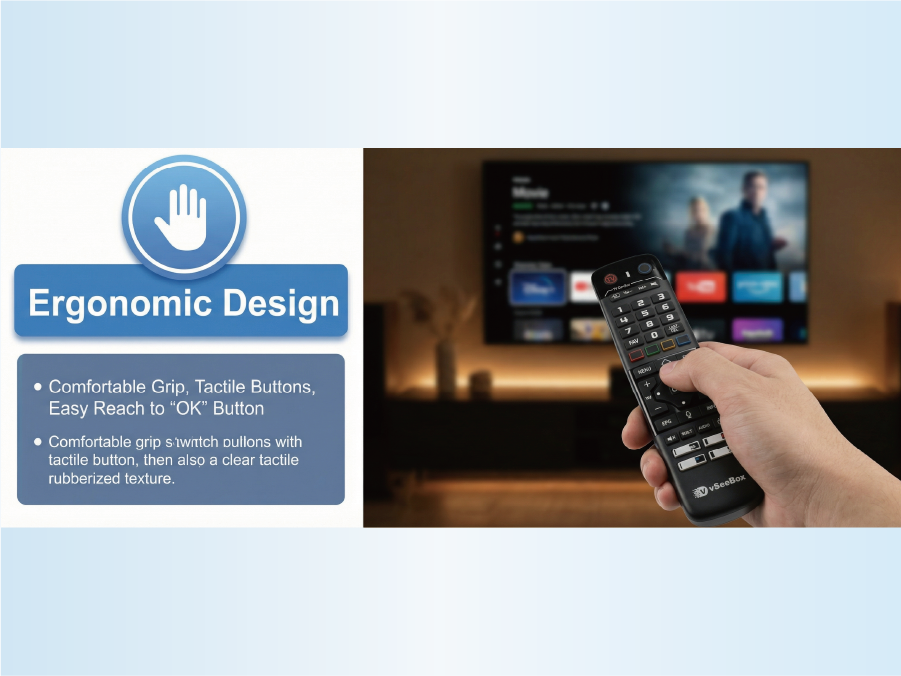
Designed for vSeeBox V6 max:This replacement remote control is specifically tailored to integrate with your vSeeBox V6 max system, providing a versatile solution for your home entertainment needs
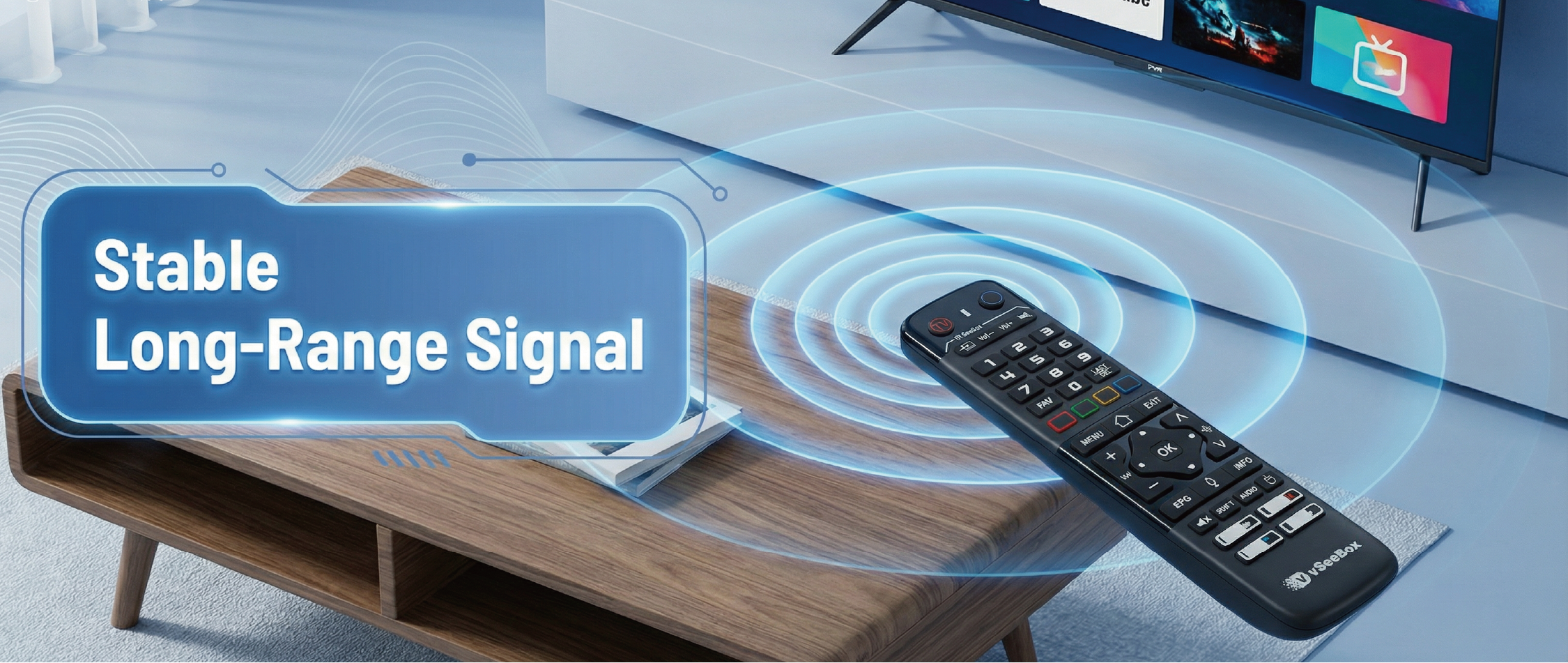
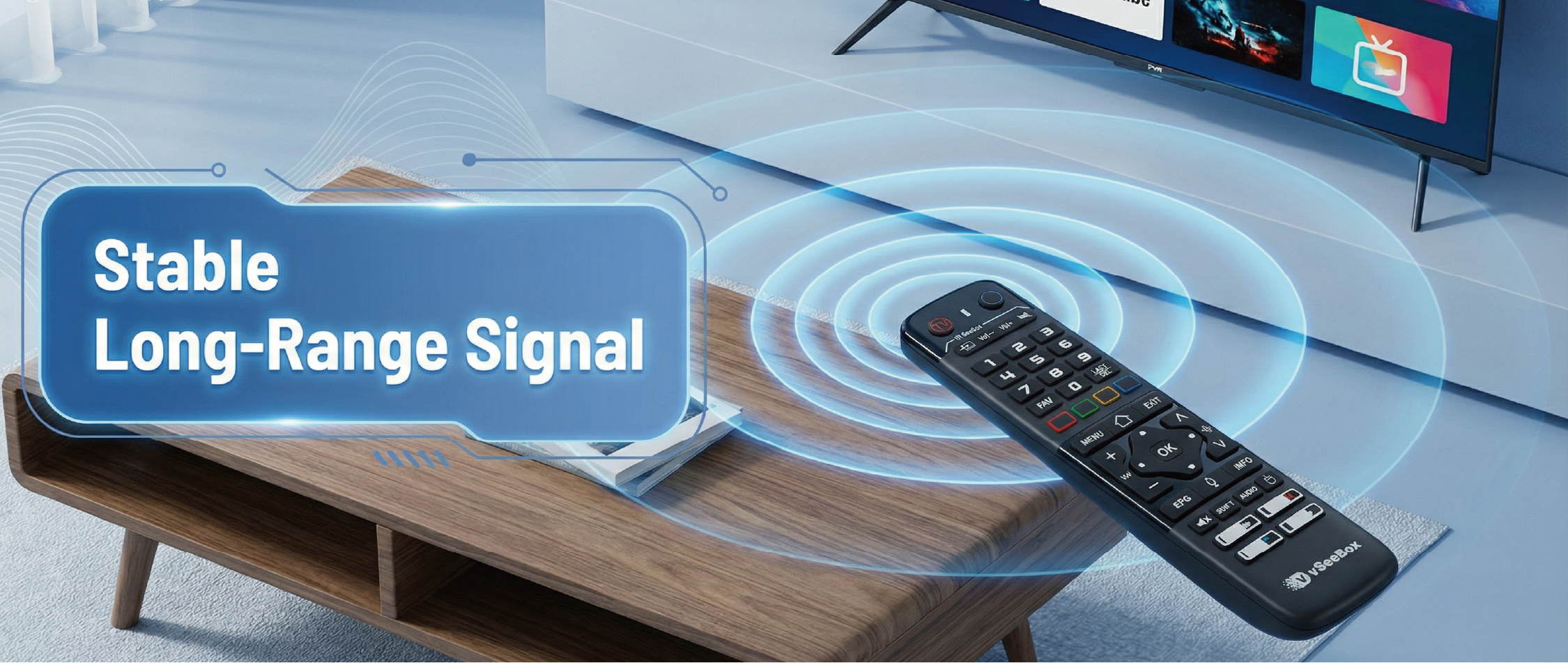
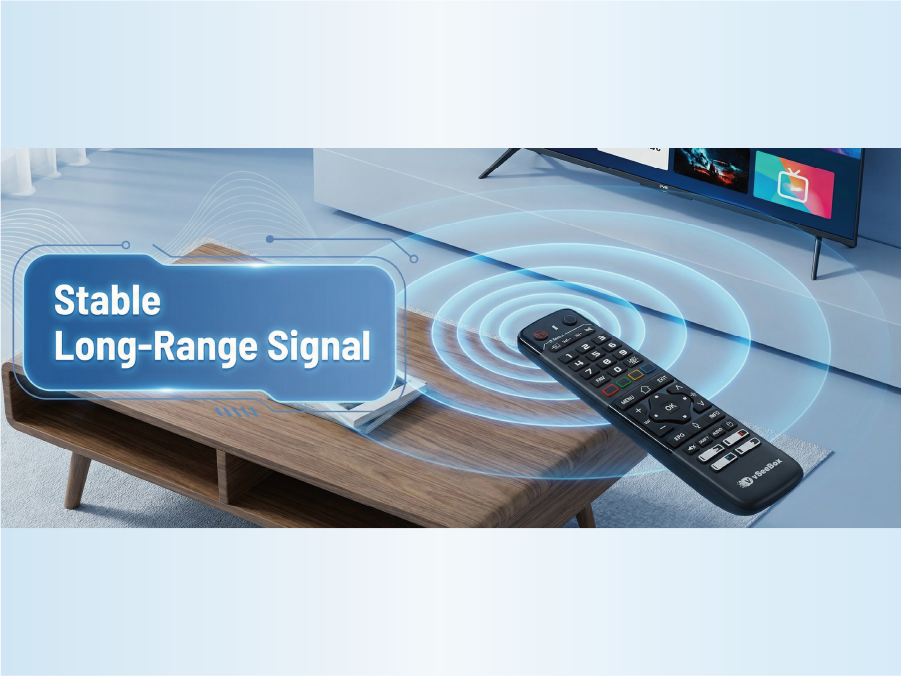
Bluetooth Function:With built - in Bluetooth, it can quickly pair with TV boxes. Bid farewell to long - waiting connection processes
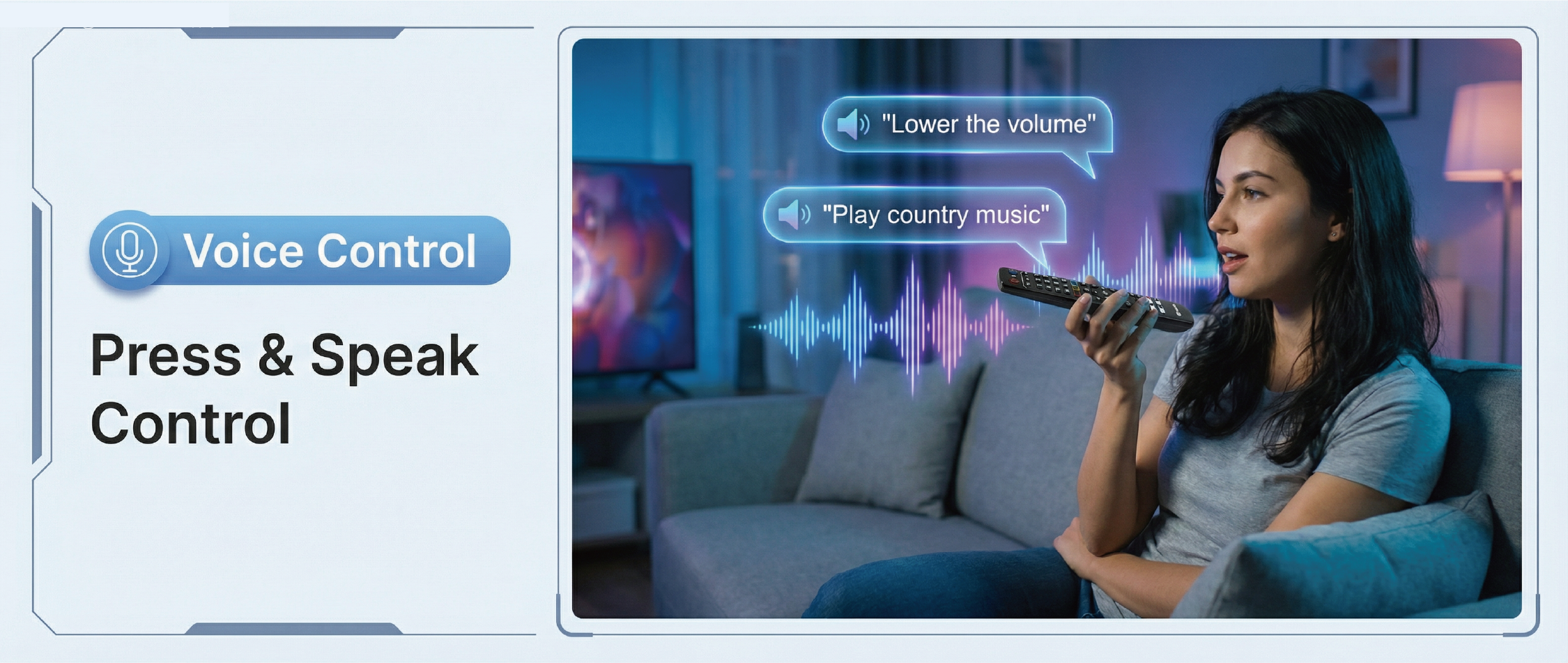
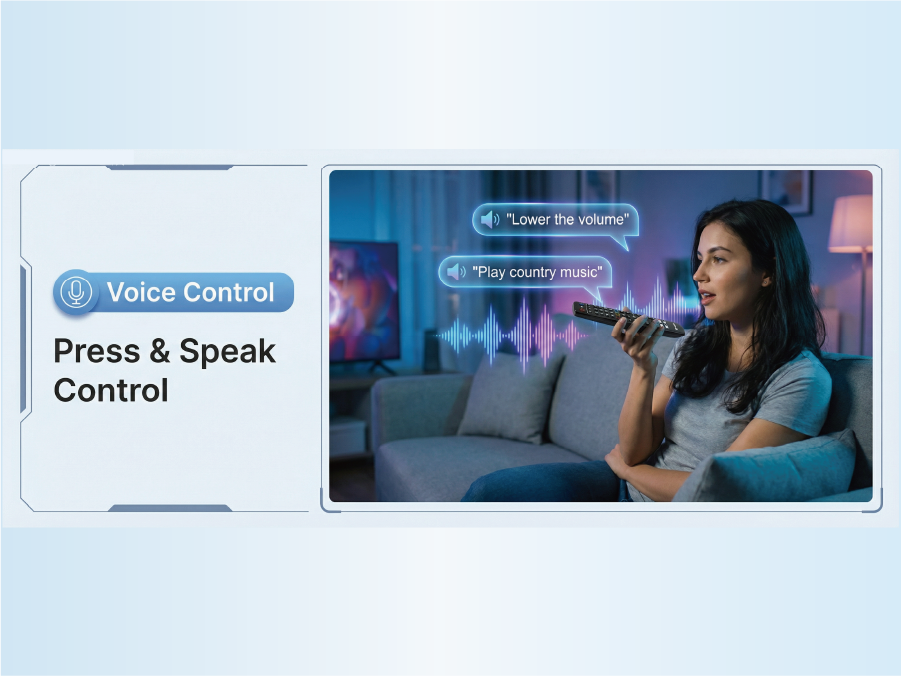
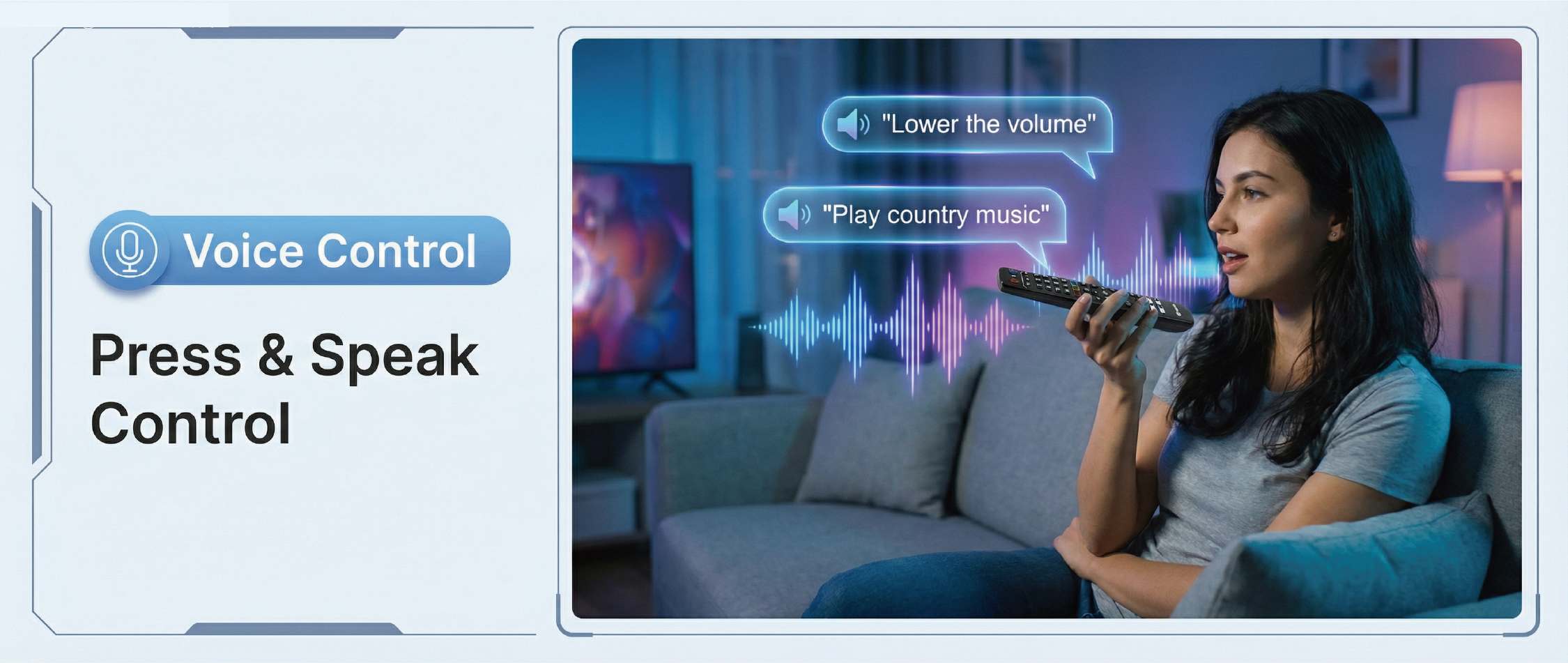
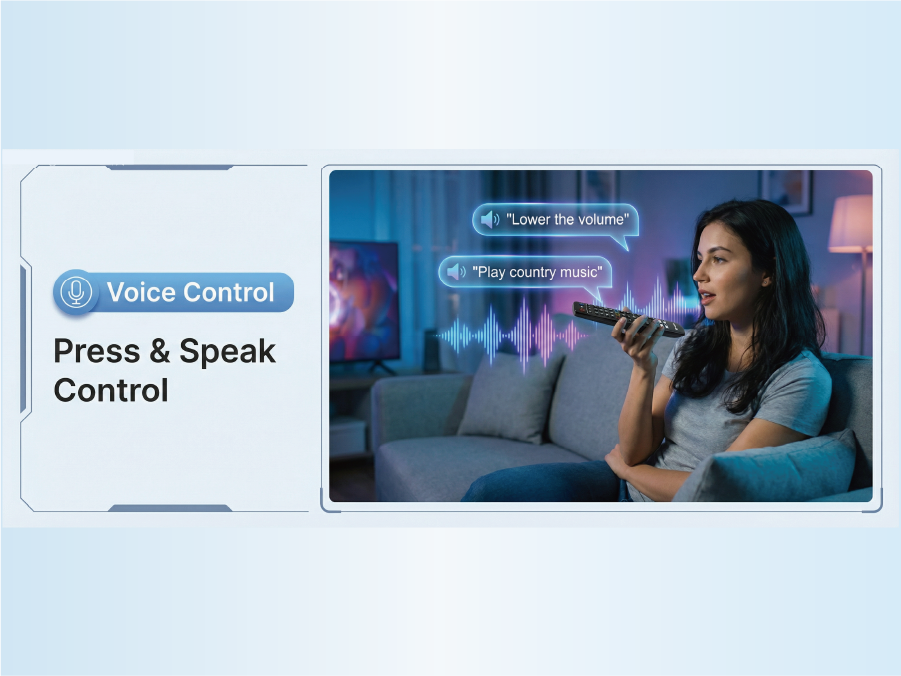
Voice Control:With voice fountion.Switch channels, adjust volume, search movies by voice
Compatibility Note: Designed for specific vSeeBox v6 max models. Buyers are advised to verify device compatibility prior to purchase